Metrash App 2026 – Download, Login, Services & Full Guide (Official)
The Metrash app is the Qatar Ministry of Interior’s (MOI) official government services app. It replaced the older Metrash 2 app on 1 March 2025 and now offers 440+ services including Qatar ID renewal, traffic fine payments, visa applications, and exit permits. Download it free from Google Play or the App Store. You register with your QID + a SIM card registered under your name, then send an activation code to 92992 to finish setup.
What Is the Metrash App?
The Metrash app is Qatar’s official mobile government services app, developed by the Ministry of Interior (MOI). It gives residents, citizens, and visa holders access to more than 440 government services from their phone — no need to visit an MOI service centre for most routine tasks.
On 1 March 2025, MOI Qatar retired the older Metrash 2 app and replaced it with this new Metrash app. If you still have Metrash 2 installed, it no longer works. You must download the new app to keep using MOI services on mobile.
Metrash is free to use and available in six languages: Arabic, English, French, Spanish, Hindi, and Urdu. Both Android and iPhone users are supported.
Metrash App System Requirements
Before you download, check that your phone meets the minimum requirements:
| Requirement | Detail |
| Android version | Android 10 or higher |
| iOS version | iOS 13 or higher |
| App size (Android) | Around 210 MB |
| Internet | Mobile data or Wi-Fi required |
| Last Updated | 5 Hours Ago |
| Developer | Ministry of Interior, Qatar |
If your phone runs an older operating system, the app may not install or some services may fail. Update your device software first, then try again.
How to Download the Metrash App
The Metrash app is only available from two official sources: Google Play Store (Android) and the Apple App Store (iPhone). Never download it from unofficial websites or APK links — MOI has warned users about fake versions.
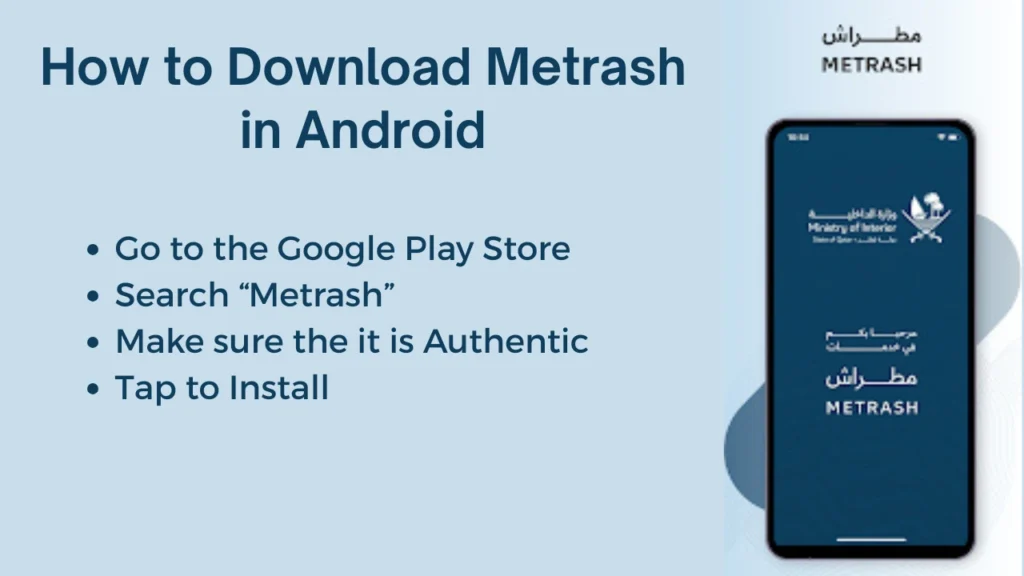
For Android Users
- Open the Google Play Store on your phone.
- In the search bar, type Metrash (not “Metrash 2” — the old app is discontinued).
- Tap the result published by “Ministry of Interior – Qatar”.
- Tap Install and wait for the download to finish (around 210 MB).
- Open the app from your home screen once installed.
Direct link: Metrash on Google Play.
For iPhone Users
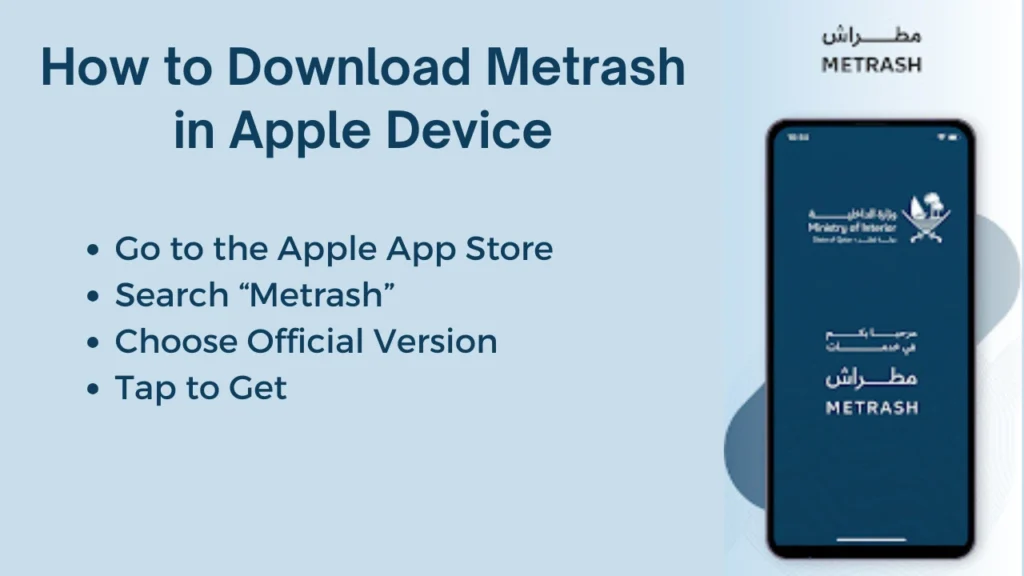
- Open the App Store.
- Search for Metrash.
- Select the one by the Ministry of Interior – Qatar.
- Tap Get and confirm with Face ID, Touch ID, or your Apple ID password.
- Open the app once it finishes downloading.
Direct link: Metrash on the App Store.
How to Spot the Official App
Before installing, verify these three things to avoid fake apps:
- Developer name shows as “Ministry of Interior – Qatar.“
- The app logo is the MOI Qatar emblem on a dark background.
- The app ID on Android is qa.gov.moi.metrash
How to Register on the Metrash App
Registration is a one-time process. You must complete it before you can log in or use any service.
Before You Start
You will need:
- A valid Qatar ID (QID) — you must be 18 or older
- A SIM card (Ooredoo, Vodafone, or Virgin Mobile) registered under your own QID
- A stable mobile data connection (activation SMS needs mobile signal — Wi-Fi alone can fail)
Real user tip: The single biggest reason registration fails is that the SIM card is not registered under your own QID. If your phone plan is in your sponsor’s or spouse’s name, the activation code will not arrive. Fix this first at your telecom provider before starting.
Step-by-Step Registration
- Open the Metrash app after installing it.
- Select your preferred language from the six options.
- Enter your 11-digit QID number.
- Tap Login. The app will tell you this QID isn’t registered yet and prompt you to activate.
- An SMS with an activation code will arrive on the mobile number linked to your QID.
- Open your phone’s SMS app and send the activation code to the number 92992 (this is the critical step most users miss).
- Return to the Metrash app. It will confirm activation.
- Set a password to secure your account (maximum 8 digits — verified in 2026).
- Confirm your password twice. Registration is complete.
If the SMS Activation Code Doesn’t Arrive
This is one of the two most common registration problems in 2026. Try these fixes in order:
- Turn off Wi-Fi and rely on mobile data — the SMS gateway sometimes fails over Wi-Fi
- Confirm your SIM is not in roaming mode (activation works only on a Qatar network)
- Ask your telecom provider to confirm the SIM is registered under your QID
- Restart your phone and retry after 5 minutes
- If nothing works, call the MOI Call Centre on 2342000 (24-hour support)
How to Log In to the Metrash App
Once your account is activated, logging in is quick.
- Open the Metrash app.
- Enter your QID number.
- Enter your password (max 8 digits).
- Tap Login. The home screen will open with your services.
If Your First Login Fails
The new Metrash app sometimes rejects the first password attempt even when it’s correct. If this happens, re-enter the exact same password a second time — it usually works on the second try. Do not tap “Forget password” unless you’ve failed 3+ times in a row.
Forgot Your Password?
On the login screen, tap Forget password? and follow the prompts. Metrash will send a new activation SMS to the mobile number linked to your QID. Send that code back to 92992, then set a new password.
Using Metrash on Two Devices
You can activate your Metrash account on up to two devices at the same time under one QID — for example, your phone and your tablet. To activate on a second device:
- Install Metrash on the second device.
- Enter your QID and existing password.
- An OTP valid for 10 minutes is sent to the first device.
- Enter the OTP on the second device to activate.
If you try to add a third device, the system asks whether to replace one of the existing two.
Metrash App Services — What You Can Do
Metrash covers over 440 services grouped into the main categories below. Not every service is available to every user type — citizens and GCC nationals have extra options that expats don’t, and vice versa.
| Service Category | What You Can Do |
|---|---|
| Qatar ID (QID) | Renew QID, download QID copy, request replacement for lost or damaged ID, and check expiry. |
| Traffic | Check violations with photos, pay fines, view black points, register vehicles, and renew vehicle registration (Istimara). |
| Residency & Visa | Renew residence permit, apply for family visit visa, sponsor family members, and check visa status. |
| Exit Permit | Apply for exit permit where required and check exit permit status before travel. |
| Driving Licence | Renew driving licence, pay test fees, and check licence validity. |
| Documents & Certificates | Request good conduct certificate, travel documents, and other certificates. |
| Appointments | Book appointments at MOI service centres. |
| Authorisation / Delegation | Authorise family members or agents to act on your behalf. |
| Security Services | Report accidents, file police complaints, and report lost items. |
| Inquiries | Search residency, visa, traffic, and document status. |
| Notifications | Get expiry reminders for QID, licence, vehicle, and health card. |
For step-by-step guides on specific tasks, see: QID renewal on Metrash · download QID from Metrash · check traffic violations on Metrash · register mobile number with QID · Qatar exit permit.
Metrash App vs MOI Portal — When to Use Which
Both work for most MOI services, but they’re good at different things.
| Use Metrash When | Use the MOI Portal (moi.gov.qa) When |
|---|---|
| You’re on your phone and need push notifications. | You need to complete a long form with attachments. |
| You want to see traffic violation photos. | You’re using a work laptop or shared computer. |
| You’re paying a small fine quickly. | You want to print receipts or PDFs properly. |
| You’re abroad and need to check QID status. | You prefer a large screen for document uploads. |
Real user tip: The MOI portal slows down badly between 8–10 AM Qatar time due to peak usage. During those hours, Metrash is usually the faster option.
Accepted Payment Methods in Metrash
Metrash supports the following payment methods for fines, renewals, and fees:
- Credit card (Visa, Mastercard)
- Debit card (Qatar local bank debit cards)
- Apple Pay (iPhone users only)
- Direct debit from bank account (corporate accounts only — not individuals)
Fees vary by service. For current QID renewal fees, see: QID renewal fees guide. For traffic fine amounts, see: Qatar traffic violation list.
Troubleshooting Common Metrash Issues
Based on 2026 testing, these are the most frequently reported issues and how to fix them.
1. SMS Activation Code Doesn’t Arrive
The main screen shows services like QID renewal, visas, and traffic violations. Icons and labels are clear, making it easy to find what you need.
- Confirm your mobile number is registered under your own QID with your telecom (this is the #1 cause)
- Disable Wi-Fi and use mobile data only during registration
- Make sure your SIM is on a Qatar network (not roaming)
- Call the MOI Call Centre on 2342000 if the code still doesn’t come through
2. App Won’t Open or Stuck on Loading Screen
- Force-close the app and reopen it
- Check for a Metrash update in the Play Store / App Store
- Clear app cache: Settings → Apps → Metrash → Storage → Clear cache (Android only)
- Restart your phone
- If still stuck, uninstall and reinstall the app (your account stays registered)
3. First Login Rejects Correct Password
Re-enter the same password a second time. The new Metrash has a known issue on first attempt — it usually works on the second try.
4. Payment Fails Mid-Transaction
- Confirm your card is enabled for online transactions
- Try a different payment method (Apple Pay often succeeds when cards fail)
- Check your bank hasn’t blocked the transaction for security
- Wait 10 minutes and retry — sometimes the MOI payment gateway is temporarily busy
5. Can’t See a Service You Expect
Metrash shows services based on your profile type (citizen, resident, GCC national, etc.). If a service is missing, it may not apply to your status. Check the MOI Qatar services list for what’s available to you.
6. Need Direct Support
- MOI Call Centre: 2342000 (24 hours, Arabic and English)
- Visit a service centre in person: MOI service centres in Qatar — locations and timings
Frequently Asked Questions
Conclusion
The Metrash app puts 440+ MOI Qatar services in your pocket, saving hours that used to be spent at service centres. Download it free from Google Play or the App Store, register with your QID (remember the 92992 step), and you’re ready to renew your QID, pay fines, apply for visas, and much more.
For specific tasks, see our detailed guides on QID renewal, checking traffic violations, MOI Qatar services, and MOI service centre locations. Always verify current fees and procedures on the official MOI Qatar portal before making payments.
